Product updates worth reading
A short email when we ship something useful for shop-floor teams.
You can unsubscribe anytime. By subscribing you agree to our Privacy Notice.
Drawings and certificates sit on the project, item or order they belong to.
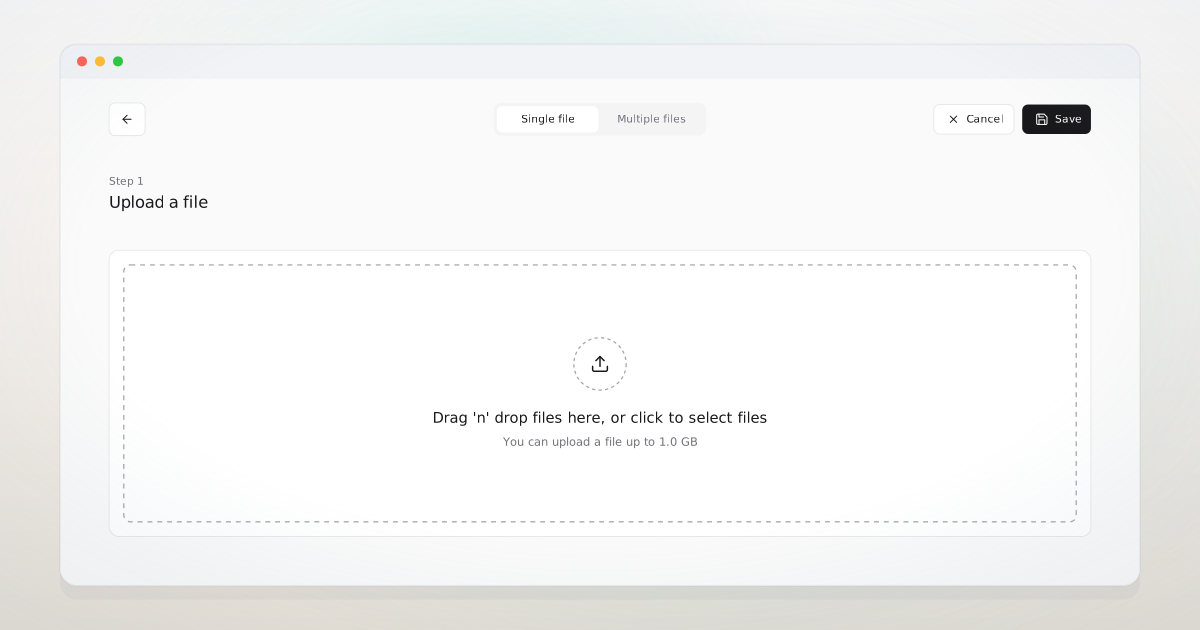
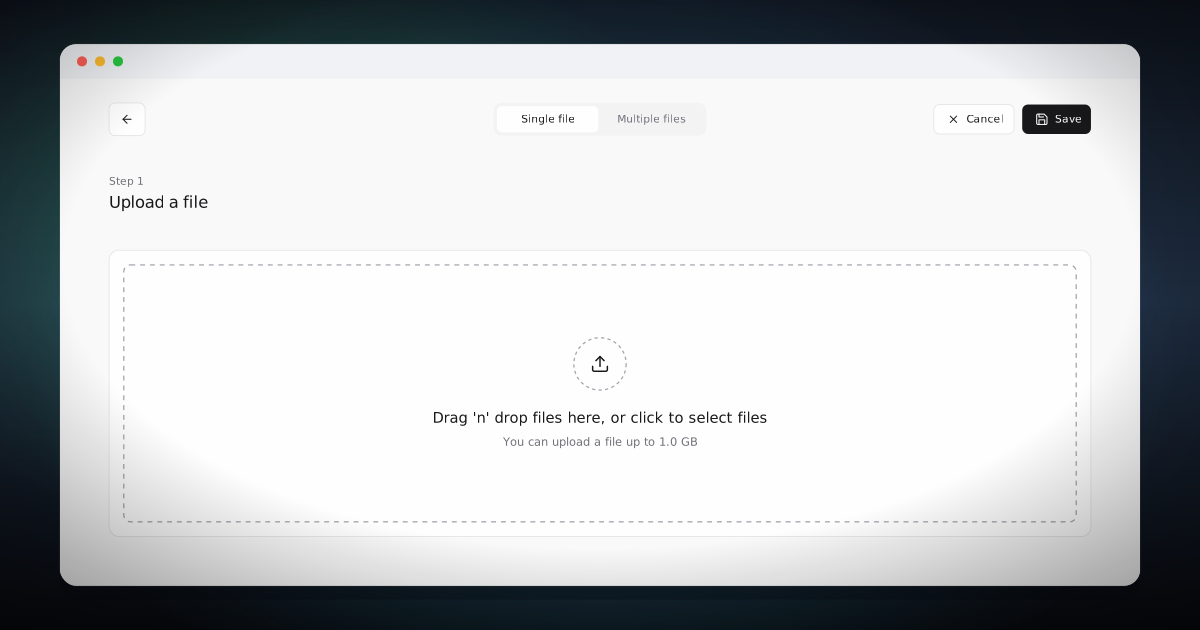
A purchaser preparing a supplier package needs the latest drawings, the rev 2 spec, the inspection criteria, and the customer-specific requirement document, all on the lines of the purchase order going out today. Tagged to the records they belong to, they come out as one download. The package goes the same hour the line is approved.
Documents is the central registry for every drawing, certificate, procedure, and record. Files are tagged to the records they belong to (projects, items, production orders, routing lines, purchase orders, NCRs) and appear inline on every page that shows those records. Upload goes from the browser straight to the company's own Azure Blob Storage account, so large files are not held back by the limits of routing them through Business Central. Business Central keeps the reference and the storage key. The file itself stays in storage the company controls.
A purchaser selects the BOM lines and combines the attached PDFs into one supplier pack. Operators see the drawing for the operation they are running. A QA lead assembling a customer trace combines the certificates on a BOM into one PDF. The Business Central administrator answers the sponsor's data-ownership question plainly: the files are in the company's own Azure account, scoped to private containers and signed download links, and Visual Tracking holds no copy.
Describe where your documents live today and it will tell you what changes.
Documents is one of the surfaces the whole team writes back to.
The BOM and Item History show the files tagged to a part.
Operation, Production Order, and Routing pages each surface their tagged documents inline.
Book a meeting and we will show how messages, tasks, and documents attach to the records they concern, so the answer lives on the record instead of an inbox. If it is not a fit, we will say so.
A short email when we ship something useful for shop-floor teams.
You can unsubscribe anytime. By subscribing you agree to our Privacy Notice.