Product updates worth reading
A short email when we ship something useful for shop-floor teams.
You can unsubscribe anytime. By subscribing you agree to our Privacy Notice.
Move one date and the whole workstream reschedules behind it.
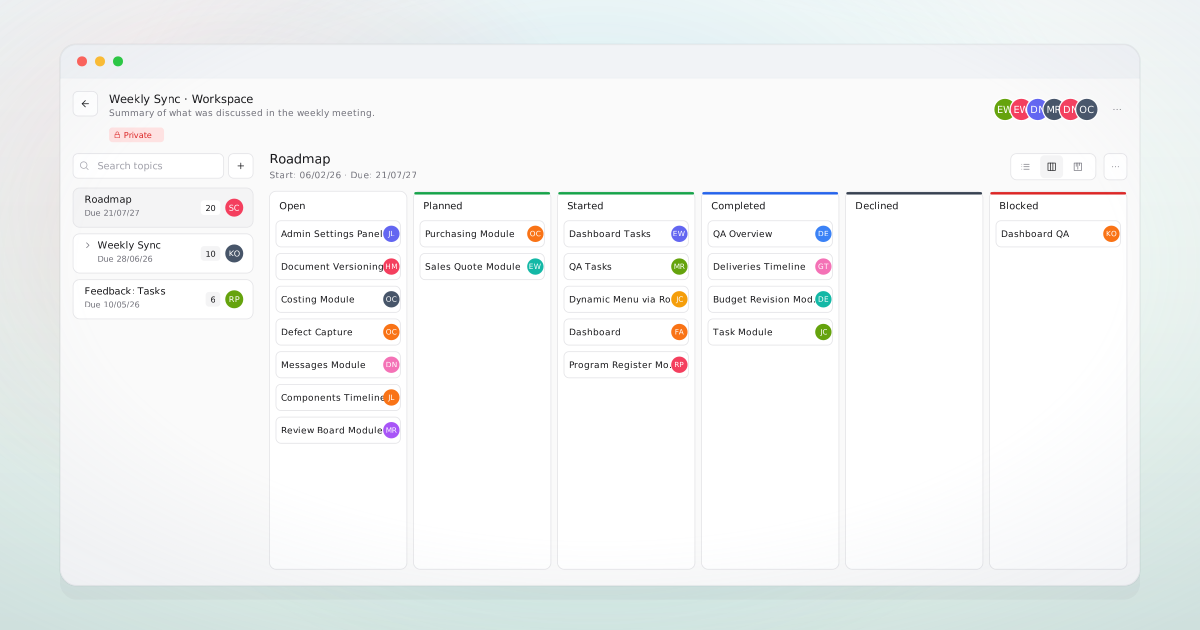
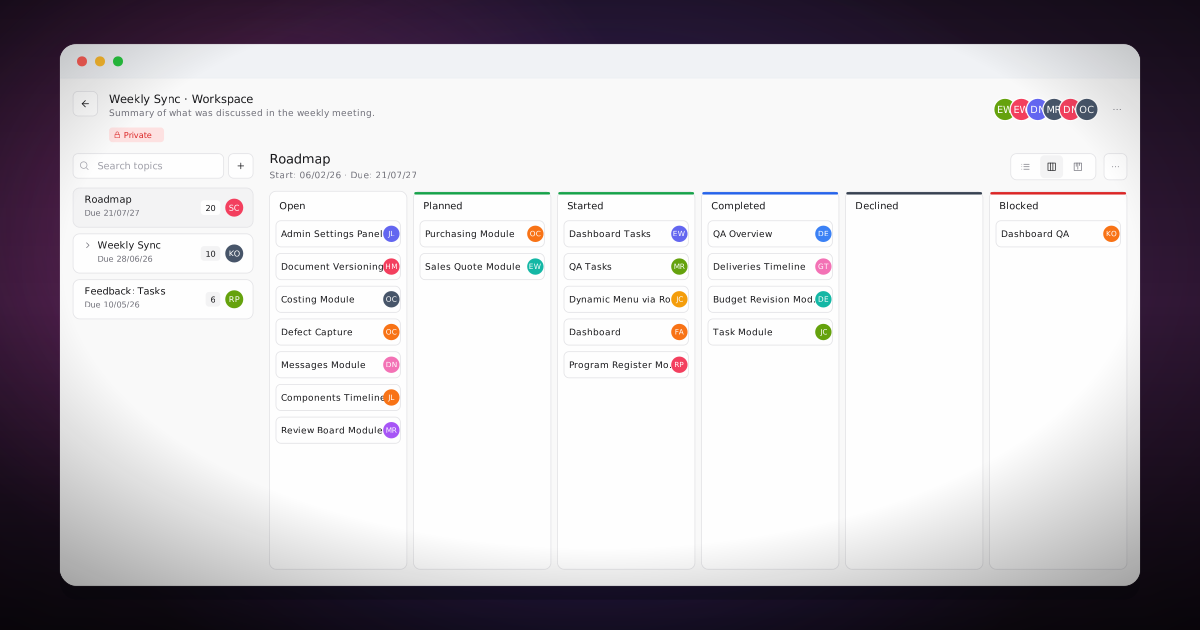
A customer date moves three weeks to the right. The Project Manager has 40 tasks across two workstreams pinned to that delivery: review submittals, schedule the test, pre-stage the casting, brief the operator, fly the inspector, sign off the report. Each task stores an offset from its topic's start rather than a fixed calendar date. Moving the topic re-derives all 40 start and due dates in one move.
Tasks organises work in three levels: a space per project, topics (checklists or workstreams) inside it, and the tasks themselves. Tasks do not hold fixed calendar dates; each stores an offset from its topic's start and a duration, so rescheduling a topic to a new start date recalculates every task. A topic built once becomes a blueprint: each task's owner, offset, and duration is a template that can be duplicated into another project or attached to a Business Central document. When the document event fires, a posted goods receipt for instance, the matching template topic copies in and schedules from the date the event was posted.
Project Managers reschedule a whole workstream in one decision. The operator opens My Tasks and reads what is due today, sorted by due date with overdue and this-week counts. The admin builds the topic templates once for “new project setup” and “month-end close”, and every new project reuses them. Where a topic is tied to the order, posting a goods receipt brings in its follow-up: book the inspection, photograph the part, file the certificate.
Describe the work that falls outside production orders and it will tell you how it is tracked.
A space is created per project, owned by its project manager.
A thread on a record often becomes a task the same team picks up.
My Tasks and its counts surface on the personal dashboard.
Book a meeting and we will show how messages, tasks, and documents attach to the records they concern, so the answer lives on the record instead of an inbox. If it is not a fit, we will say so.
A short email when we ship something useful for shop-floor teams.
You can unsubscribe anytime. By subscribing you agree to our Privacy Notice.